A sample that hides the speaker
Echo, background conversations, and abrupt changes in distance can obscure the voice you intended to capture. Try a quieter recording with one speaker before deciding the tool cannot handle your project.
Voice sample guide
If you are looking for voice cloning free options, start with a voice you have permission to use and a short, clear recording. Kikivoice helps you think through the sample, the access terms, and the result you want before you continue to a voice tool.
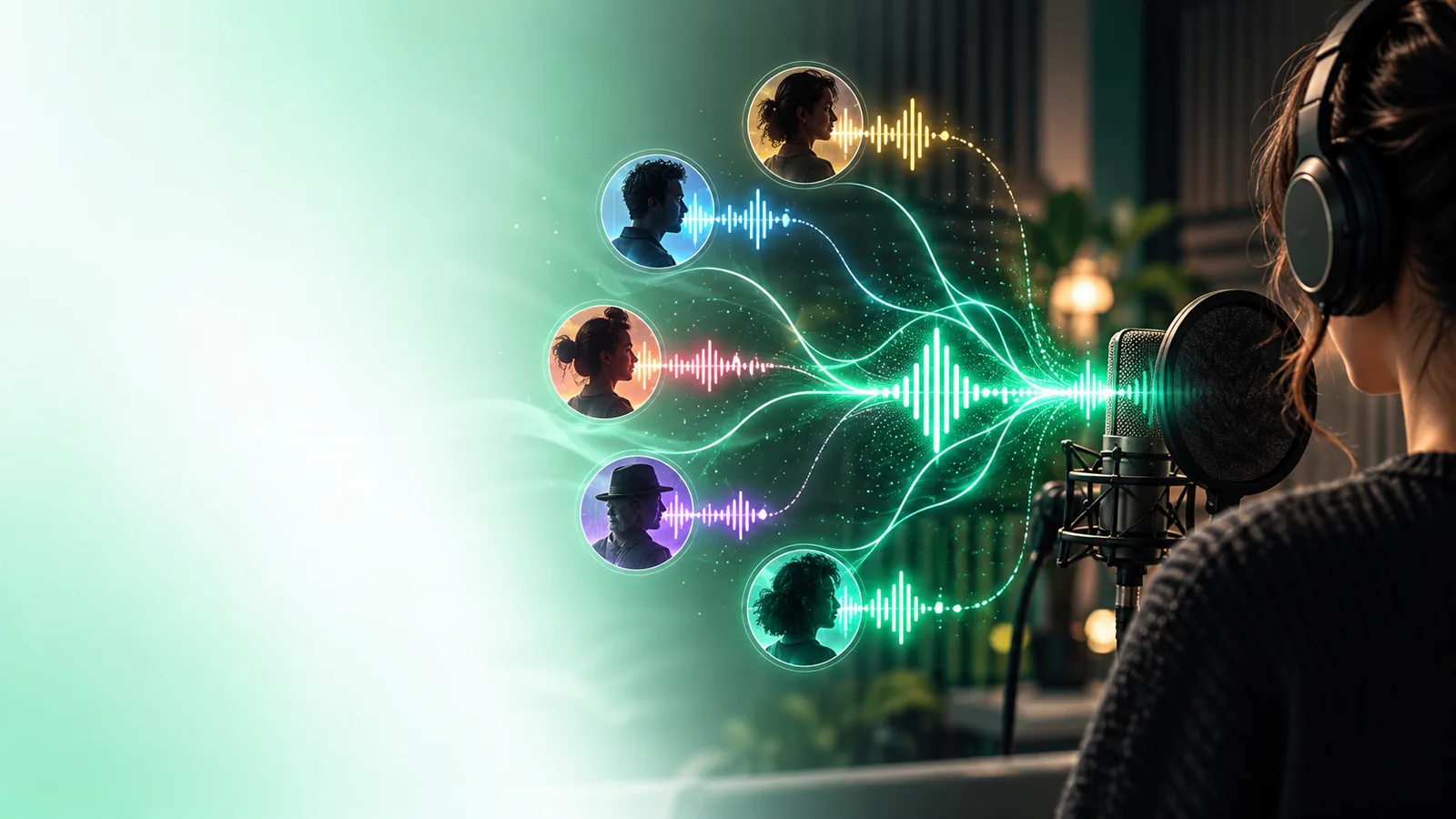
Before choosing a route, decide whose voice you may use and whether your project needs a recording, spoken output, or both.
Use this checklist in order. It takes you from a permitted recording to a decision about whether the available tool suits your project.
Choose your own voice or obtain clear permission from the person whose voice you intend to reproduce. — Permission to hear a recording is not necessarily permission to make a synthetic voice.
Record a short speech sample in a quiet space, with one speaker and no background music. — Keep the microphone position and speaking volume reasonably consistent.
Write a short test script containing the names and sounds your project actually needs. — A relevant test reveals more than a generic greeting.
Check the destination tool's current sample requirements, access terms, and data-handling information before uploading. — Do not assume a free tier includes cloning, downloads, or commercial use.
If a preview is available, listen for pronunciation, pacing, and resemblance before using the voice elsewhere.optional — Revise the source recording or script if the result does not fit.
These are two different starting points, not a claim that every tool offers both. Match the route to the kind of output you need.
| Clone a permitted voice | Use a standard synthetic voice | |
|---|---|---|
| Starting material | A recording of a voice you own or may use | A written script and an available voice choice |
| Consent check | Essential when the recording belongs to another person | Still check the tool's rules for your intended use |
| Main goal | Approximate characteristics of a particular speaker | Produce speech without copying a particular speaker |
| Sample quality | Noise and overlapping voices can affect the source | No personal voice recording is needed to begin |
| Access to verify | Whether cloning and its output are included in the available tier | Whether the chosen voice and its output are included |
| Useful first test | A brief script with familiar names and varied sounds | The same script, to judge clarity and delivery |
A usable voice starts with a usable source
A noisy clip, multiple speakers, or music beneath speech can make it difficult to judge what a voice cloning system learned. A polished result also depends on the tool and its current capabilities; a clean sample improves the starting material but does not guarantee a close match.
The other common failure is assuming that free access covers the whole workflow. A preview, a saved voice, an export, and permission to publish may have different conditions. Read the terms at the destination before you upload someone else's recording or commit the result to a project.
If the first attempt disappoints, diagnose the source and the expectations before recording more material.
Echo, background conversations, and abrupt changes in distance can obscure the voice you intended to capture. Try a quieter recording with one speaker before deciding the tool cannot handle your project.
A familiar sentence may sound convincing while names, numbers, or unusual words do not. Test a short passage drawn from the work you plan to make, then listen critically to its pronunciation.
Being able to generate a preview is not the same as having permission to imitate someone or publish the output. Confirm consent and the destination tool's current usage terms before sharing anything.
Once your recording and test script are ready, explore the destination voice tools and check their current capabilities and access terms. Kikivoice does not assume that cloning, downloads, or a free tier will be available for every project.
That depends on the destination tool's current access terms and on which part of the workflow you need. Check separately whether creating a voice, generating speech, saving it, and using the result are available to you before uploading a recording.
Record speech from one consenting speaker in a quiet space, without music or other people talking. Use a short test script that includes words you expect to need later, then listen for clarity and pronunciation.
A publicly available recording does not by itself grant permission to make a synthetic version of that person's voice. Obtain the speaker's consent and check the destination tool's rules before using their audio.
Not necessarily. Previewing, exporting, and publishing may be governed by different access or usage terms, so check each one for the tool you choose.
First listen to the source recording for noise, echo, or overlapping speakers. Try a clearer permitted sample and a more representative script, while allowing for the possibility that the tool may not produce the resemblance you want.