Voice AI basics

How does kiki voice ai fit into voice creation?

Kikivoice is a guide to AI voice concepts and use cases. Start with the distinction between generating speech from text, changing recorded speech, and creating a voice based on a reference sample.

Kikivoice voice creation illustration

How it works

The starting material determines the task. These three paths can produce spoken audio, but they ask different things of the source.

Kikivoice feature illustration for planning spoken audio

Step 1

Start with written words

Text-to-speech turns a script into spoken audio using a selected synthetic voice. It is useful when the words are ready but no narration has been recorded. Listen for pronunciation, pauses, and emphasis before treating any generated reading as final.

  • Input: a written script
  • Review: clarity and pacing
Kikivoice feature illustration for recorded voice

Step 2

Start with a recording

A voice changer works from existing speech. The original performance supplies timing and delivery while processing alters how the voice sounds. Background noise, clipped words, or uneven volume in the recording can remain noticeable after a transformation.

  • Input: recorded speech
  • Review: intelligibility and artifacts
Kikivoice feature illustration for a voice reference

Step 3

Start with a permitted reference

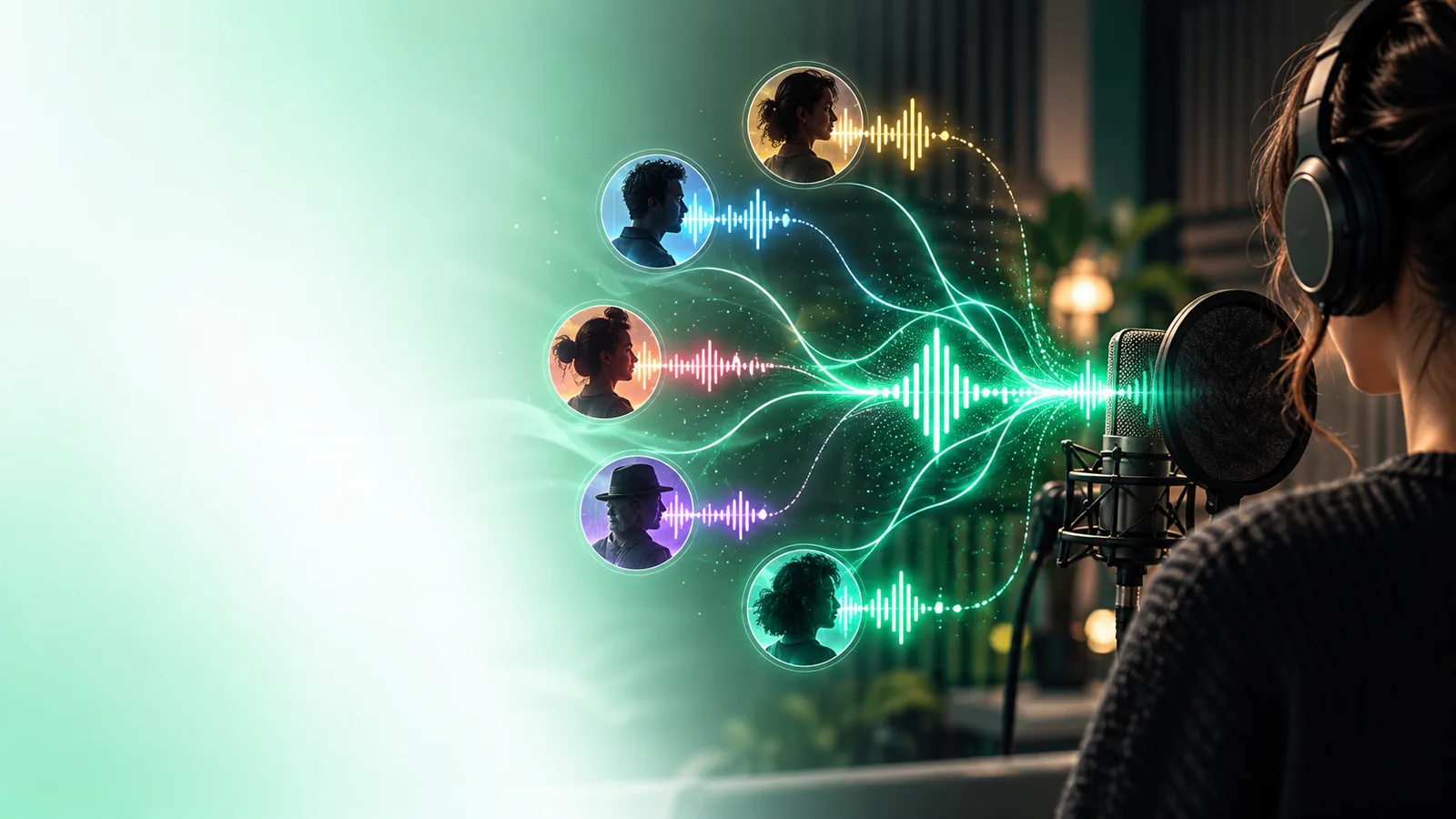
Voice cloning uses a reference to model vocal characteristics for new speech. It differs from merely changing one recording: the aim is a reusable voice identity. Only use a reference when the speaker has authorized that use.

  • Input: an authorized voice sample
  • Review: resemblance and consent

Inputs and outcomes

Kikivoice separates the questions people often bundle together under voice ai.

Script to speech

Choose this approach when the message exists as text and the goal is a spoken draft. A good script includes words that are easy to say aloud, rather than relying on visual punctuation alone.

Speech to altered speech

Choose this approach when a recorded performance matters. The recording carries the speaker’s phrasing; processing changes the perceived voice, not the underlying words.

Reference to voice identity

Choose this approach only when a speaker has agreed to the reference and intended use. Resemblance varies, so a short test is more informative than a feature label.

A practical workflow

  1. 1

    Define the source

    Decide whether you have a script, a recording, or an authorized reference voice. That choice narrows down which kind of voice ai workflow fits.

  2. 2

    Make a short test

    Use a few sentences with names, pauses, and varied sounds. A small sample reveals pronunciation or recording problems before you prepare a longer piece.

  3. 3

    Listen and revise

    Check the words, delivery, and any resemblance to a real person. Revise the script or source audio, and confirm permission before sharing the result.

Who uses it

Different creators need different starting points. Choose by the material you have and the result you can responsibly review.

or

Option 1

You write tutorials or explainers

Consider text-to-speech for a narration draft.

You can adjust the script and compare readings without first recording a performance.

or

Option 2

You already perform the lines

Consider changing a recording.

Your timing and expression remain part of the source, so recording quality matters.

or

Option 3

You need a consistent character voice

Consider a voice based on an authorized reference.

A reference may help establish continuity, but permission and sample quality come first.

Limits worth knowing

1

A name is not a feature guarantee

Kikivoice explains voice ai categories; it does not verify that a linked tool supports every workflow, control, language, or output format described here.

What to do instead

Check the tool’s current interface and terms for the specific task you need.

2

Generated speech still needs review

A plausible voice can misread names, flatten emphasis, or sound uneven across sentences.

What to do instead

Test representative lines and listen to the complete result before publishing.

3

Resemblance is not permission

The ability to imitate a voice does not grant the right to use someone’s identity or imply their endorsement.

What to do instead

Get clear consent and label synthetic speech when listeners might mistake it for a real recording.

Explore voice creation

Bring a short script or a recording you have permission to use, then check which voice workflows the linked product currently offers. Treat the first result as a draft to review, not a finished recording.

Find the right starting point

  • Start with material you can use
  • Check available workflows
  • Listen before sharing
Explore voice tools

kiki voice ai FAQ

Here, it refers to learning about AI-assisted speech creation and transformation through Kikivoice. It is not a single technical method: text-to-speech, voice changing, and cloning use different starting material.

No. Voice cloning is one approach that uses a reference voice to model vocal characteristics. Kikivoice also explains workflows that begin with written text or an existing recording.

Not for ordinary text-to-speech, which starts from a script and a synthetic voice. Changing a performance requires recorded speech, while a referenced voice requires a sample you are authorized to use.

Results vary with the source material and the method used, and resemblance should not be assumed from a tool’s label. If a real person’s voice is involved, obtain their permission and review the result for possible confusion.

Start creating
Start creating